Classic movies for cord-cutters: a practical route in
It's a Saturday evening and you're holding the remote, knowing exactly what you want: something from the 1940s, 1950s, or thereabouts — sharp dialogue, black-and-white cinematography, a story that moves. The question is not whether the film exists somewhere online. It's how to get to it without wading through a dozen menus or subscribing to yet another service.
This guide is for cord-cutters who have already left behind a cable or satellite contract and want a straight answer about how IPTV fits into that picture when the goal is classic cinema.
What kind of watcher are you, exactly
Before you pick a device or set up an app, it helps to be honest about how you actually watch films.
If you browse slowly, often changing your mind mid-scroll, you want a good on-screen guide. The electronic program guide built into most IPTV players lets you scan what is showing across film channels the same way you used to scan a cable grid — without touching a keyboard. For classic-movie fans, this is often the most natural fit because dedicated retro-film channels run curated schedules, and browsing them feels like flipping channels in the best sense.
If you already know the title you want, search is your tool. Apps such as IPTV Smarters Pro let you filter a large library directly. With a catalog that runs to 200,000+ films and series, typing even a partial title usually surfaces what you need in a moment.
If you share the television with someone who is less comfortable with technology, a MAG box and its portal interface keeps things simple: a clean grid, a remote, nothing unfamiliar.
Check the room before the app
The device you use shapes the experience as much as the content does.
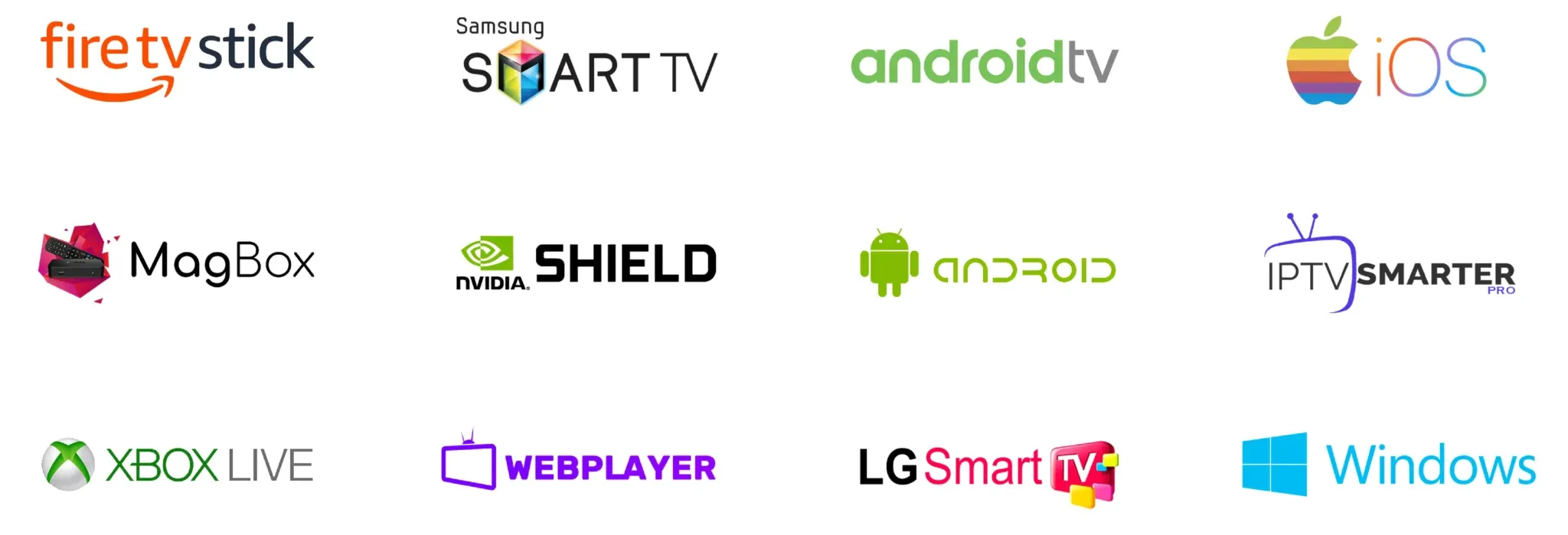
A large television in a living room is the natural home for classic films. IPTV Smarters Pro runs on Android TV devices and Amazon Fire TV sticks, so if your set has one of those built in — or if you have a stick plugged into the HDMI port — you are already set. For a TV in a bedroom or a secondary room without a smart platform, a Fire Stick or a small Android box costs little and adds the same capability.
A tablet works well for solo viewing, and it has one practical advantage: you can take it to a room with a stronger Wi-Fi signal. If your router sits far from the main television and the stream stutters, moving to a closer room often fixes the problem before you ever touch the router settings. For a more considered solution — pushing a tablet picture to a larger screen — the basics are covered in this guide to screen mirroring for American viewers.
Whatever device you use, a wired Ethernet connection to the television beats Wi-Fi for stability. If running a cable across the room is not practical, moving the router closer or adding a mesh node near the TV is the next best option.
Getting started after you sign up
When you take out a subscription, the login details arrive in your email shortly after payment. Open that email on the device you plan to use, because you will need to copy a server address, a username, and a password into the player app.
In IPTV Smarters Pro, you add a new playlist by selecting the Xtream Codes option and pasting those three pieces of information in. TiviMate works the same way. On a MAG box, you enter the portal URL in the box settings menu rather than in a separate app. Each path takes only a minute once you have the credentials in front of you.
After the channels load, look for the film section or a dedicated movies category. Classic and retro film channels tend to sit in a subcategory rather than the main list. If you do not see one immediately, use the search function and type a director's name or a decade — results will appear from both the live channel schedule and the on-demand library.
You can find Troypoint IPTV plans and start from the home page if you have not yet signed up.
A few habits that make classic-film watching more reliable
Classic films are rarely in high demand at peak hours the way live sports are, so streams tend to be stable. Still, a few simple habits help.
Restart the app if a stream hesitates at the start. Most stalling at the beginning of a film is a buffering issue that clears within a few seconds once the stream stabilizes — it is not a sign of a broader problem.
Keep the app updated. Player apps push updates regularly, and an outdated version is the most common reason for login errors or channels that refuse to load.
If you share access across more than one room — a television and a tablet, for instance — check that you are not running the same stream on too many devices simultaneously. Most subscriptions specify how many concurrent streams are permitted, and exceeding that number is the quietest way to disrupt an evening.
For viewers whose interest extends beyond classic drama into older genre films, the same setup applies. The horror films for retirees section of this site covers the specific corner of the library where classic horror tends to live, if that direction appeals.
Frequently asked questions
- Do I need a smart TV to watch classic movies through IPTV?
No. A smart TV makes setup slightly more direct, but any television with an HDMI input works fine with an external device such as a Fire TV Stick or a small Android box running the player app.
- How do I find black-and-white films specifically?
Search by decade or director in the player app's search bar — most apps filter the on-demand library as you type. Dedicated retro and classic-film channels in the live section often run themed schedules that concentrate older titles together.
- What if my stream keeps stopping partway through a film?
First, check that nothing else on your network is using heavy bandwidth. If the problem continues, switch from Wi-Fi to a wired Ethernet connection, or move your streaming device closer to the router. Restarting the router itself resolves persistent issues in most households.
- Can I use the same subscription on more than one device?
It depends on the plan you choose. Most plans allow a set number of simultaneous streams, so two people can watch on separate devices as long as the plan covers that many at once.