Finding new-release movies fast: favorites, categories, search
The evening starts well enough: you settle into your chair, the TV is on, and you want to watch something that came out recently. Then twenty minutes pass and you are still scrolling. That is the problem this guide solves.
With a library that runs to 200,000+ films and series, the trick is never finding content — it is finding the right title without wearing yourself out first. Three tools do the work: the search bar, the movie categories, and a short favorites list you build once and keep. Used together, they cut that twenty-minute scroll down to a moment.
Why the scroll gets long and what to do instead
A large library sorted by nothing in particular looks like a wall of thumbnails. Most players — IPTV Smarters Pro and TiviMate among them — load the full catalog on the movies screen, and the default sort is rarely 'newest first.' Scrolling from the top is the slowest possible route to a recent release.
The faster path starts with categories. Inside the movies section of whichever player you use, look for a filter or genre selector — it is usually a row of tabs or a drop-down near the top of the screen. Choosing something like 'New Releases' or the current year cuts the visible list immediately. If your player labels it differently, 'Recently Added' or a year filter gets you to the same place.
From there, search handles the moment you already know a title. Tap the search icon, type the first word or two, and the list narrows in a few seconds. You do not need the full title — even a partial match on a keyword usually surfaces the right film. The key habit is using search after you have a name in mind, and categories when you are still browsing.
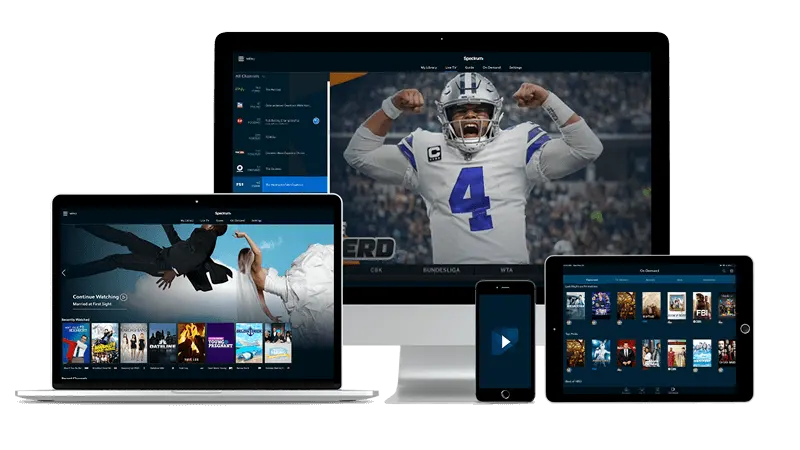
Building a favorites list worth keeping
Favorites are most useful when they are short and honest. A list of forty titles you marked months ago and never watched is no faster to scan than the full catalog.
The better approach: each time you finish a good film, spend a moment marking two or three similar titles as favorites before you close the app. Next evening, your favorites row is a curated shortlist of things you actually want to watch, not a graveyard of good intentions.
In TiviMate, the heart icon or star on a movie card adds it to your favorites; in IPTV Smarters Pro the gesture is similar — a long-press or a dedicated button on the detail screen. Check your player's detail screen for the option; it is almost always there. Once added, favorites appear in their own section so you reach them without touching the main library at all.
If you share the TV with a partner or other family members, a short note on paper next to the remote still works fine as a backup list. Low-tech, but it survives a remote that gets sat on.
Putting it together on a typical evening
Here is how the three tools work in sequence on a real evening.
- Open the movies section and go straight to categories. Set the filter to new releases or the current year.
- Browse for a minute. If a title catches your eye, open its detail screen to read the description before committing.
- If you already have a name from a trailer you saw earlier, switch to search. Type the keyword, select the film, and you are done.
- If nothing in the category appeals tonight, check your favorites row. Something you marked last week may be exactly right now.
That sequence takes under two minutes once it is a habit. The first evening it may take five while you find where your player keeps each tool — after that, muscle memory handles it.
One practical note: if the app feels slow to load thumbnails, a quick router restart before you sit down often helps. Routers that have been running for weeks without a reboot can slow down on their own. Pulling the power for thirty seconds and letting it come back up fully before you open the player makes a noticeable difference in a household where the router sits in another room from the TV.
Getting the setup right before you start
If you are new to the service, your login details arrive by email shortly after you sign up — credentials you enter once into your player of choice. After that first setup, the player remembers everything and opens straight to your content.
If you are deciding which plan suits your household, the Troypoint IPTV plans page lays out the options so you can pick the one that fits how you watch.
If sound quality on a Fire TV Stick matters to you, the guide on getting good sound from TiviMate walks through the audio settings worth adjusting. And if you ever want to put the picture from a phone or tablet onto a larger screen, screen mirroring basics for American viewers covers the main methods without assuming any prior knowledge.
For something quieter after the film, jazz and blues channels for apartment dwellers is a good place to start.
Frequently asked questions
- What is the fastest way to find a movie I already know the name of?
Use the search bar inside the movies section of your player. Type the first word or two of the title and the results appear in a few seconds. You do not need to scroll at all.
- How do I keep my favorites list from getting too long to be useful?
Mark only titles you genuinely intend to watch soon, and clear out anything you have been skipping for more than a week or two. A short, honest list is faster to scan than a long one.
- My player is slow to load the movie library. What should I check first?
Restart your router by unplugging it for about thirty seconds before your viewing session. A router that has been running for a long time without a reboot is a common cause of slow loading, and the fix takes almost no effort.
- Can I filter movies by release year instead of a New Releases category?
Most players offer a year filter alongside genre tabs on the movies screen. If you do not see a 'New Releases' label, look for a year selector or a 'Recently Added' option — they point to the same part of the library.